
How to Check a Proxy Before Launching Ads: IP, DNS Leaks and WebRTC
16.11.2026
The account is warmed up, the White Page is ready, the creatives are approved, and still the campaign gets flagged within the first hour. One cause people tend to notice too late is the proxy itself. It may resolve to the wrong country, let your real address slip out through DNS or WebRTC, or carry a bad reputation left over from earlier users. The ad platform spots these mismatches before you do.
This guide walks through what to test in a proxy before launch, in which order, and how to fix the usual problems. The whole routine takes five to ten minutes and can save an account.
Why Test a Proxy Before Launch
An ad platform looks at more than the ad and the landing page; it also looks at where you are working from. If an account registered in Poland opens from an IP that geolocation services place in Germany, while the browser reports a Kyiv time zone, the profile looks suspicious before moderation even starts.
A proper check answers three questions:
- Is the IP located in the right country and city, and does it belong to the right kind of network?
- Are there any leaks that let websites see your real address?
- Has the IP landed on any blocklists?
What to Check in a Proxy
IP Address and Location
Start with the address websites see and where they place it. Compare the country and city with the account's geo, and look at the provider and connection type as well. A household ISP looks far more natural than a hosting company. Geolocation databases sometimes disagree, so confirm the result with at least two services.
DNS Leak
Before a browser opens a site, it asks a DNS server for that site's address. If this lookup bypasses the proxy and goes straight to your home ISP's DNS, the website can tell that someone from another country is sitting behind the proxy. A DNS leak test lists the servers handling your lookups; they should belong to the proxy's country, not to your actual provider.
WebRTC Leak
WebRTC powers voice and video calls inside the browser. To set up a connection, it can hand websites your local and public IP, skipping the proxy entirely. A WebRTC leak test shows which address is exposed. If your home IP appears there, fix it before signing in: disable WebRTC or turn on WebRTC spoofing in your anti-detect browser.
Time Zone and Language
These are not leaks as such, but platforms compare them with the IP. The system time zone and browser language should fit the proxy's country. Most anti-detect browsers set both from the IP automatically, yet it is worth confirming them by hand after every proxy change.
IP Reputation
Someone may have used the address for spam or bulk sign-ups before you got it. Running it through public blocklists shows whether it has been flagged. A clean record is no guarantee of success, but an address listed in several databases will almost certainly cause trouble.
Speed and Stability
A slow or unstable proxy gets in the way: pages load sluggishly, and when the connection drops, some requests may leave without passing through the proxy. Watch response times and confirm that the IP stays the same throughout the session if you need a fixed address.
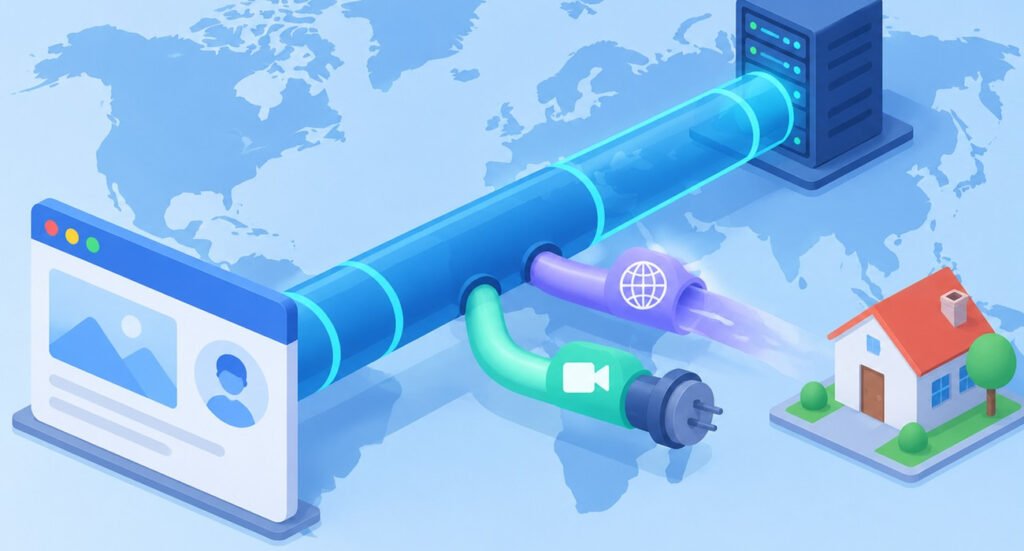
DNS and WebRTC leaks bypass the proxy and must be closed before you sign in
Step-by-Step Proxy Check
- Create or open a profile in your anti-detect browser and attach the proxy to it.
- Run the proxy through an online checker. The Node Proxy proxy checker, for instance, accepts a whole list at once and shows which entries respond, which external IP websites see and which country and city it belongs to.
- In the same profile, open a DNS leak test and make sure the DNS servers sit in the proxy's country.
- Run a WebRTC leak test. Your real IP must not appear in the results.
- Match the time zone and browser language to the IP's country.
- Look the IP up in blocklists.
- Only then sign in to the ad account and open the White Page.
Always run these tests inside the profile you will actually work in. Testing in a regular browser on the same computer will show you a completely different picture.
What to Do When a Check Fails
| Problem | Likely cause | Fix |
|---|---|---|
| IP shows up in the wrong country | Proxy from another geo or geolocation databases disagree | Get an IP in the right country, confirm with several services |
| DNS servers belong to your ISP | DNS lookups bypass the proxy | Route DNS through the proxy in the profile, use SOCKS5 |
| WebRTC reveals your real IP | WebRTC is not spoofed | Enable spoofing or disable WebRTC in the profile |
| Time zone of another country | Settings did not update after a proxy change | Set the time zone and language based on the IP |
| IP is blocklisted | The address was burned by earlier use | Replace the IP |
| Proxy keeps disconnecting | Overloaded or unstable server | Switch provider or proxy type |
When you run several geos, it is easier to source addresses from a provider with a wide choice of locations. Node Proxy residential proxies, for example, let you pick the country, city and ISP, and a sticky session holds one IP for up to 24 hours so the address does not change mid-task.
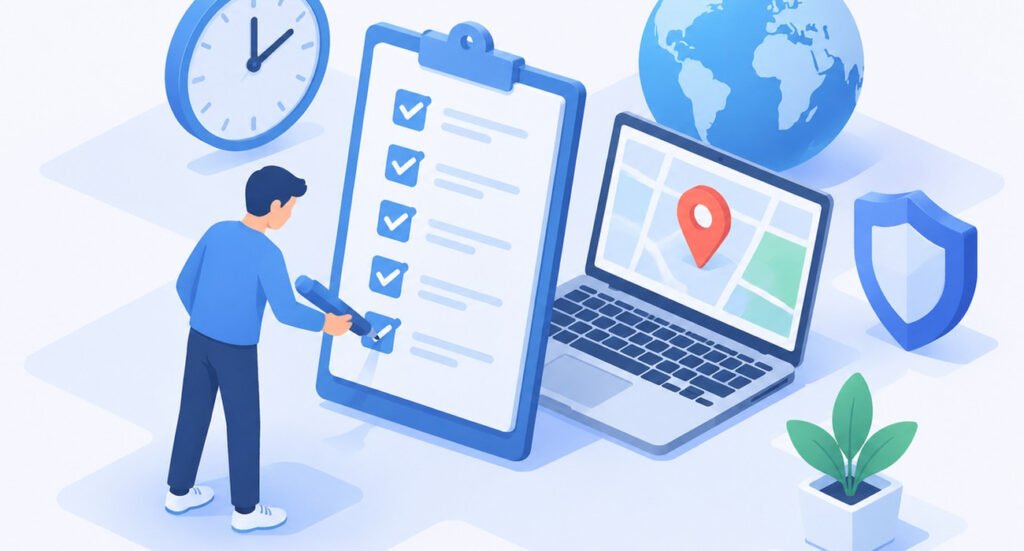
Running through the proxy checklist before launching a campaign
Pre-Launch Checklist
- The IP is in the account's country and city.
- The provider and network type look natural.
- DNS servers belong to the proxy's country.
- WebRTC does not expose your real address.
- Time zone and language match the IP's country.
- The IP is not on any blocklist.
- The connection is stable and the IP does not change mid-session.
FAQ
How do I check whether a proxy works?
Use an online proxy checker. It shows whether the proxy responds, which IP websites see and where that address is located. Speed is easier to judge by how quickly pages load inside the profile.
What is a DNS leak?
It happens when the browser's DNS lookups skip the proxy and go directly to your ISP's DNS server. From those lookups, a website can work out where you really are.
How do I stop a WebRTC leak?
Turn on WebRTC spoofing in your anti-detect browser settings or disable WebRTC in the profile, then run the test again.
Should I check the proxy every time?
Yes, for every new IP and after any change to the profile settings. With rotating proxies the address changes, so test it before each working session.
Does a clean proxy guarantee that ads pass moderation?
No. Platforms review the account, the ad, the White Page and the offer together. A tested proxy only removes one of the common technical reasons for rejection.